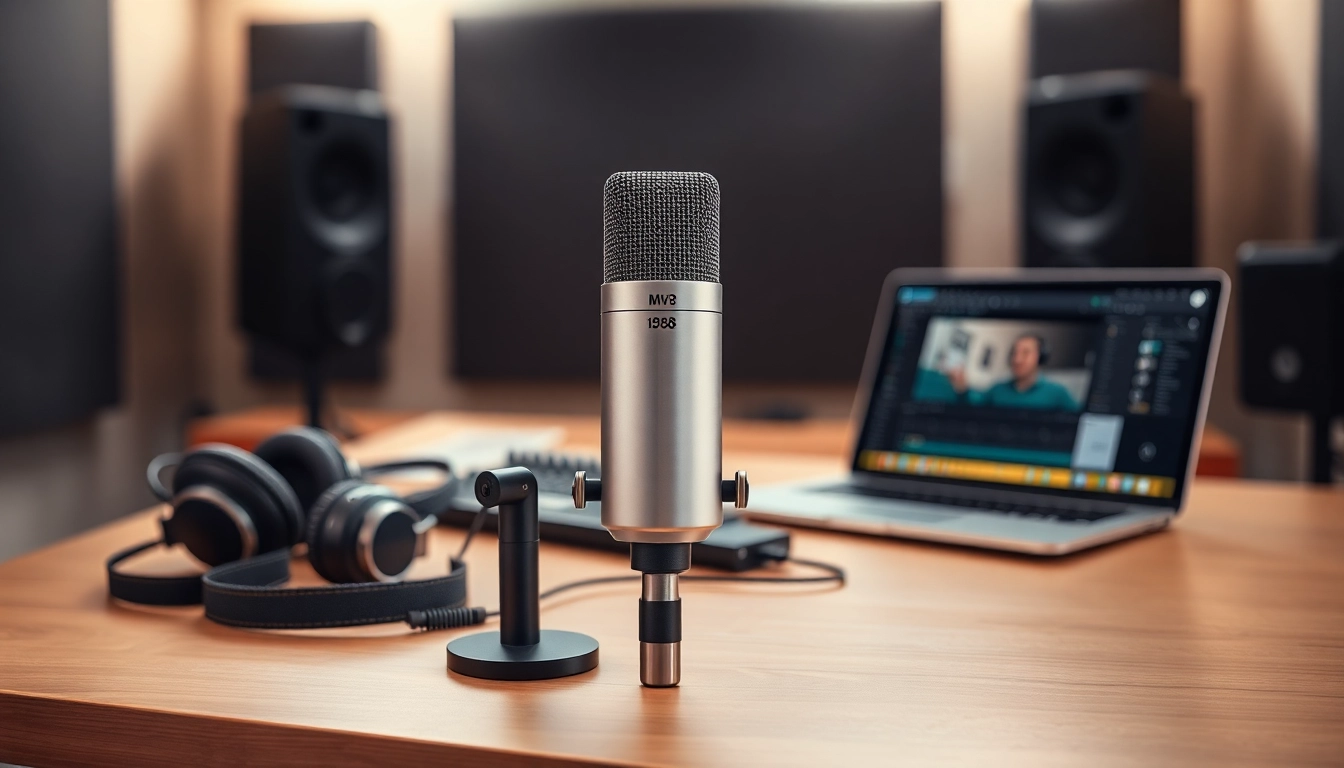
Understanding the MV88 Microphone
The MV88 microphone from Shure has garnered a reputation for its exceptional audio quality and versatility. Designed for mobile devices, particularly iOS systems, this microphone is a go-to choice for musicians, podcasters, and content creators alike. In this section, we will delve into the specifications, features, and unique advantages that the MV88 offers over traditional microphones.
Specifications and Features of the MV88
The MV88 is a compact microphone boasting an array of specifications that cater to audio professionals and enthusiasts. Here are some key features:
- Type: Electret condenser microphone
- Frequency Response: 20 Hz to 20 kHz
- Polar Pattern: Adjustable stereo ahead, wide stereo, and mono modes
- Max SPL: 120 dB SPL
- Output: Lightning connector for iOS devices
- Dimensions: Compact and lightweight design, making it highly portable
How the MV88 Enhances Audio Capture
One of the standout features of the MV88 is its versatility in audio capture across different settings. With adjustable polar patterns, you can select the best pickup mode to suit your recording environment. Whether you're in a bustling city, a quiet studio, or a live event, the MV88 adapts to provide high-quality sound. The built-in windscreen helps reduce noise interference from wind during outdoor recordings, ensuring your audio remains clear and professional.
Comparison with Other Microphones
When comparing the MV88 to other microphones in its class, its portability and integration with mobile devices are significant advantages. Unlike traditional USB or XLR microphones that require additional interfaces, the MV88 connects directly to iOS devices, making it an ideal choice for on-the-go recording. Additionally, its sound quality rivals larger, more expensive studio microphones, positioning it as an exceptional value for users looking to enhance their audio recording capabilities without breaking the bank.
Setting Up Your MV88 Microphone
Setting up your MV88 can be straightforward if you follow a few essential steps. Whether you are a beginner or an experienced audiophile, the process is user-friendly and efficient, allowing for quick and hassle-free configurations.
Choosing the Right Location for Recording
The location of your recording can significantly influence the quality of your audio. Choose a quiet space with minimal background noise and interruptions. If you are outdoors, try to find a location that offers some natural wind protection. Experimenting with different rooms or settings can help you discover what works best for your desired sound.
Connecting the MV88 to Your Devices
Connecting the MV88 to your iPhone or iPad is a simple process. Insert the Lightning connector into your device’s port. Ensure your recording app is ready to use the microphone. Most audio recording applications will automatically recognize the MV88, allowing you to start recording immediately. If you encounter any issues, checking for system updates or app compatibility may help.
Configuring Settings for Optimal Sound
To achieve the best audio quality, consider configuring the settings within your recording app. Adjust your input levels to prevent distortion and maintain clarity. If the app supports EQ options, experimenting with these can further enhance your audio characteristics. Additionally, enabling the microphone’s built-in limiter can help manage sudden bursts of sound, ensuring your recording remains clean.
Best Practices for Using the MV88
Maximizing the potential of your MV88 microphone involves understanding its capabilities and implementing best practices during use. Here we outline several techniques and common pitfalls.
Techniques for Capturing High-Quality Audio
For the highest audio fidelity, consider the following techniques:
- Optimal Distance: Maintain an appropriate distance from the microphone. For vocals, about 6-12 inches away can produce the best results, while instruments might require adjustments based on their volume and dynamics.
- Use a Pop Filter: When recording vocals, a pop filter can help reduce plosive sounds that might affect your audio quality.
- Monitor Your Audio: Utilize headphones to monitor your recordings in real time. This allows you to catch issues early and adjust accordingly.
Common Mistakes to Avoid with the MV88
While the MV88 is designed for ease of use, there are still common mistakes to be aware of:
- Ignoring Background Noise: Always assess your recording environment for unwanted noise. Running appliances, electronic hum, or even outside traffic can degrade audio quality.
- Failing to Secure Connections: Ensure that all connections are firm; loose cables can cause disruptions in sound quality.
- Neglecting Microphone Positioning: Incorrect microphone placement can lead to suboptimal recordings. Always test and adjust the mic’s position based on the sound source.
Maintenance and Care for Longevity
To keep your MV88 microphone functioning optimally, regular maintenance is crucial. Here are some tips:
- Store in a Safe Place: Utilize a protective case to prevent physical damage when not in use.
- Clean Regularly: Wipe down the microphone with a soft, dry cloth to remove dust or moisture.
- Check for Firmware Updates: Regularly check for updates to ensure your microphone remains compatible with your devices and any applicable software.
Creative Applications of the MV88 Microphone
Beyond basic recording, the MV88 can be used creatively across various fields. Its versatility allows it to cater to musicians, podcasters, and sound designers alike.
Podcasting with the MV88: Tips and Tricks
The MV88 is an excellent choice for podcasters looking for high-quality sound in a compact format. Here are a few tips to maximize its potential:
- Consider Dual Hosting: If your podcast involves multiple speakers, adjust the polar pattern to accommodate both parties effectively.
- Use Quality Headphones: Invest in good headphones to monitor audio levels, preventing potential quietness or distortions.
- Record in a Controlled Environment: Aim for a space with minimal reverberation and noise for the best results.
MV88 for Music Production: Getting Started
For musicians, the MV88 means flexibility and creativity. It can serve various purposes, from capturing vocals to recording instruments. Here’s how to get started:
- Record Using Different Polar Patterns: Experiment with the MV88's settings to find the best sound for each instrument.
- Layer Your Tracks: Utilize the audio recordings effectively in digital audio workstations (DAWs) to layer music production.
- Use Effects Sparingly: While it’s tempting to add different effects, sometimes, simplicity in mixing preserves the natural sound quality.
Using the MV88 for Field Recordings
Field recording is another area where the MV88 shines. Its compact nature and high-quality sound make it perfect for capturing ambient sounds, interviews, or natural occurrences. Here are strategies to get the most out of field recordings:
- Scout Locations: Prior to recording, visit the desired location to assess sound and determine the best angles for your microphone.
- Bring Backup Power: Always charge your device fully, and have backup options available, especially for longer recordings.
- Record Multiple Takes: Take multiple recordings of the same sound to ensure you capture the best possible audio quality.
Analyzing the Performance of Your MV88
After recording, analyzing the performance of your audio captures is crucial for improvement and ensuring high-quality results in the future. This section discusses practical steps to monitor and refine your audio quality.
Monitoring Audio Quality During Recording
Continuous monitoring during recording can help you identify issues before they become problematic. Here are effective practices:
- Listen for Distortion: Pay attention to sound quality through headphones, adjusting levels as necessary.
- Conduct Soundcheck: Prior to your main recording, do a soundcheck to gauge the levels and make any necessary adjustments.
- Utilize Visual Feedback: Many recording applications provide visual representations of audio levels. Use these tools to ensure that your sound is neither too low nor clipping.
Post-Production Tips for MV88 Audio
Once your recordings are complete, going through post-production is vital for ensuring polished sound. Consider these tips:
- Editing Software: Use a reliable audio editing software to enhance your audio quality. Many programs offer EQ, compression, and other sound enhancement features.
- Cuts and Edits: Trim any unwanted sections to keep the final product concise and engaging.
- Export Settings: Adjust export settings to retain high audio quality while ensuring compatibility with various platforms.
Measuring Success: Metrics to Track Audio Performance
To continually improve your audio projects, develop a set of performance metrics to analyze the effectiveness of your recordings. Keep track of:
- Volume Levels: Ensure your recordings maintain consistent volume without significant fluctuations.
- Feedback from Listeners: Pay attention to audience responses concerning audio quality. This feedback can guide future recording decisions.
- Technical Analysis: Utilize audio editing software’s analysis tools to visualize frequency ranges and overall sound quality.